TechBriefly CN
  • Tech
  • Business
  • Geek
  • How to
  • ABOUT
    • About Tech Briefly
    • Terms and Conditions
    • Privacy Policy
    • Contact Us
No Result
View All Result
TechBriefly CN
No Result
View All Result
Home Articles
新的 Windows 10 更新修复了蓝屏错误

新的 Windows 10 更新修复了蓝屏错误

byKerem Gülen
15/11/2021
in Articles, Software, Tech
Reading Time: 1 min read
Share on FacebookShare on Twitter

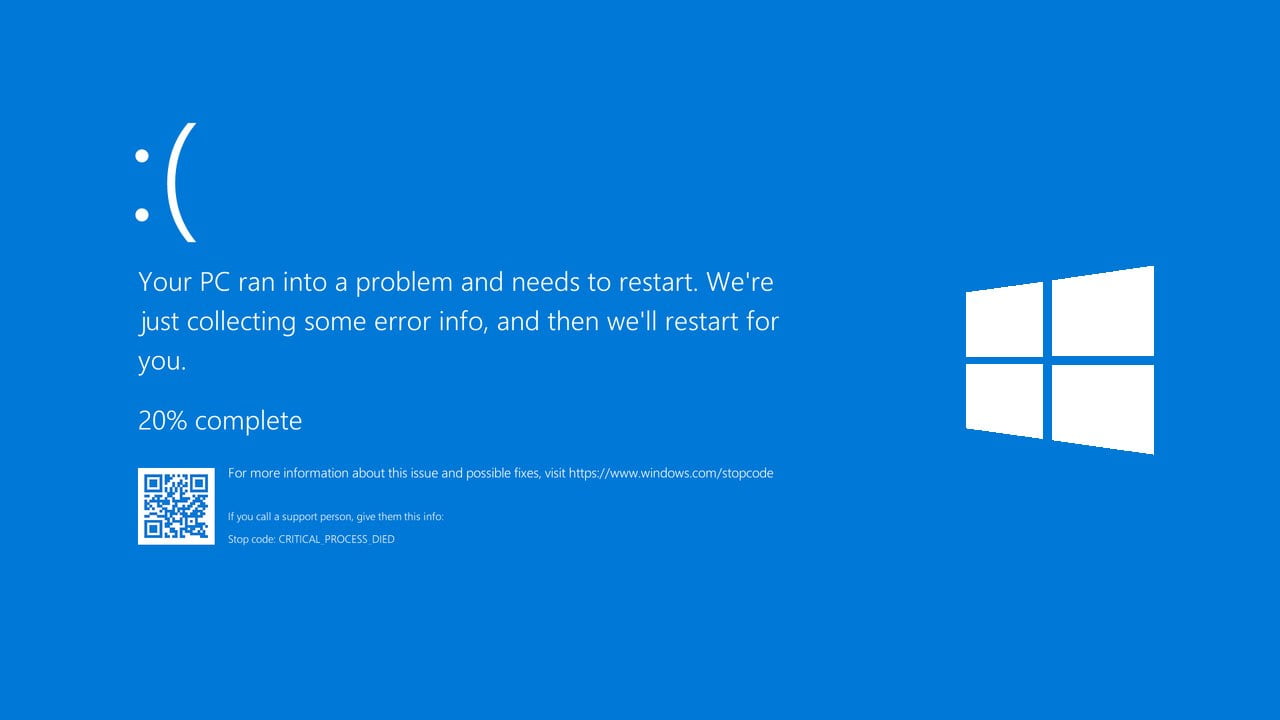
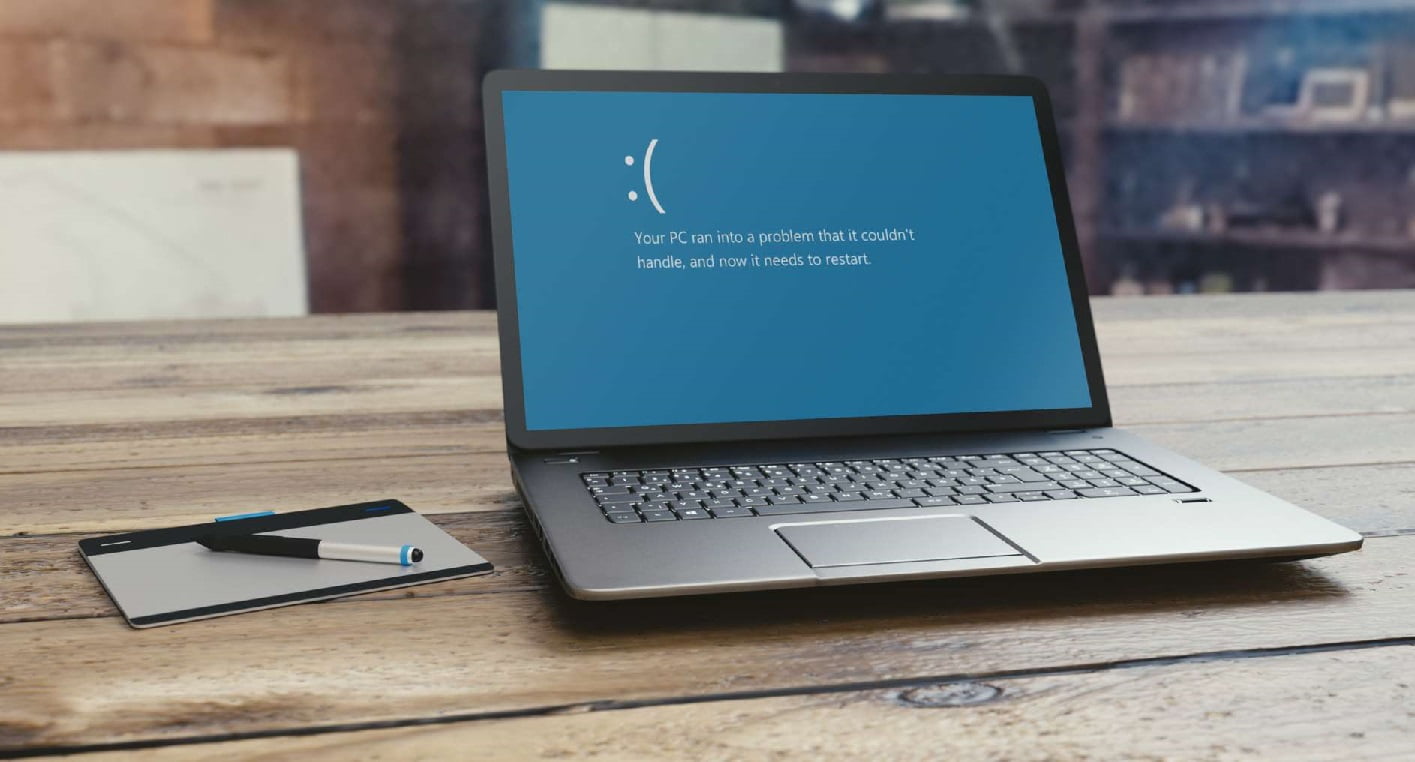
微软通过新的 Windows 10 更新修复了蓝屏错误。 大约一周前,一些安装了 KB5000802 或 KB5000809 更新的 Windows 10 和 Windows Server 用户遇到了一些问题。 每次尝试使用某些类型的打印机时,他们都会遇到反复出现的蓝屏。

上周,解决问题的唯一选择是卸载更新,我们可以从 Windows 更新或控制台执行此操作。 然而,几天后,微软发布了一个视频,其中包含有关如何应用临时修复的说明。

微软通过新的 Windows 10 更新修复了蓝屏错误

但几个小时前,微软发布了一系列补丁,能够在不放弃之前更新的其余改进的情况下修复与蓝屏外观相关的问题。

根据您使用的 Windows 版本(如果不确定,请运行 winver.exe),要安装的补丁版本会有所不同。 这是清单:

  • Windows 10 版本 2004 和 20H2:KB5001567
  • Windows 10 版本 1909 和 Windows Server 1909:KB5001566
  • Windows 10 版本 1809 和 Windows Server 2019:KB5001568
  • Windows 10 版本 1803:KB5001565

新的 Windows 10 更新修复了蓝屏错误

在所有情况下,更新的描述都是相同的,它说:“解决了在尝试使用某些应用程序打印到某些打印机时可能导致蓝屏并可能产生错误 APC_INDEX_MISMATCH 的问题。”

所有这些更新都已在 Windows 更新中可用(开始 > 设置 > 更新和安全 > Windows 更新); 以及 Windows 更新目录和 Windows Server 更新服务。 如果您遇到此问题,请不要忘记下载更新。

  如何在 Windows 11 上禁用透明效果?
Tags: Windows

Related Posts

内存供应严重瓶颈 华硕暂停 RTX 5070 Ti 生产

内存供应严重瓶颈 华硕暂停 RTX 5070 Ti 生产

在 iOS 18 上查看计算历史记录的指南

在 iOS 18 上查看计算历史记录的指南

如何检查是否有人在 iPhone 或 iPad 上阅读了您的消息

如何检查是否有人在 iPhone 或 iPad 上阅读了您的消息

Netflix 获得索尼影业的首播权

Netflix 获得索尼影业的首播权

内存供应严重瓶颈 华硕暂停 RTX 5070 Ti 生产
Tech

内存供应严重瓶颈 华硕暂停 RTX 5070 Ti 生产

在 iOS 18 上查看计算历史记录的指南
Tech

在 iOS 18 上查看计算历史记录的指南

如何检查是否有人在 iPhone 或 iPad 上阅读了您的消息
Tech

如何检查是否有人在 iPhone 或 iPad 上阅读了您的消息

Netflix 获得索尼影业的首播权
Tech

Netflix 获得索尼影业的首播权

三星在 Mobile Gaming Hub 更新中推出即时游戏云流媒体
Tech

三星在 Mobile Gaming Hub 更新中推出即时游戏云流媒体

TechBriefly CN

© 2021 TechBriefly is a Linkmedya brand.

  • About
  • About Tech Briefly
  • Blog
  • Contact
  • Contact Us
  • Cover Page
  • Privacy Policy
  • TechBriefly
  • Terms and Conditions

Follow Us

No Result
View All Result
  • Tech
  • Business
  • Geek
  • How to
  • ABOUT
    • About Tech Briefly
    • Terms and Conditions
    • Privacy Policy
    • Contact Us

This website uses cookies. By continuing to use this website you are giving consent to cookies being used. Visit our Privacy and Cookie Policy.